iPhone and iPad
The native project targets iPhone and iPad, with an iOS 15 deployment target. Check the current App Store listing for device availability.
 TimeWaveAtomic Clock Signal Emulator
 TIMEWAVE / APP FEATURES
A set of practical tools for preparing and reviewing a watch time-signal attempt.
The native project targets iPhone and iPad, with an iOS 15 deployment target. Check the current App Store listing for device availability.
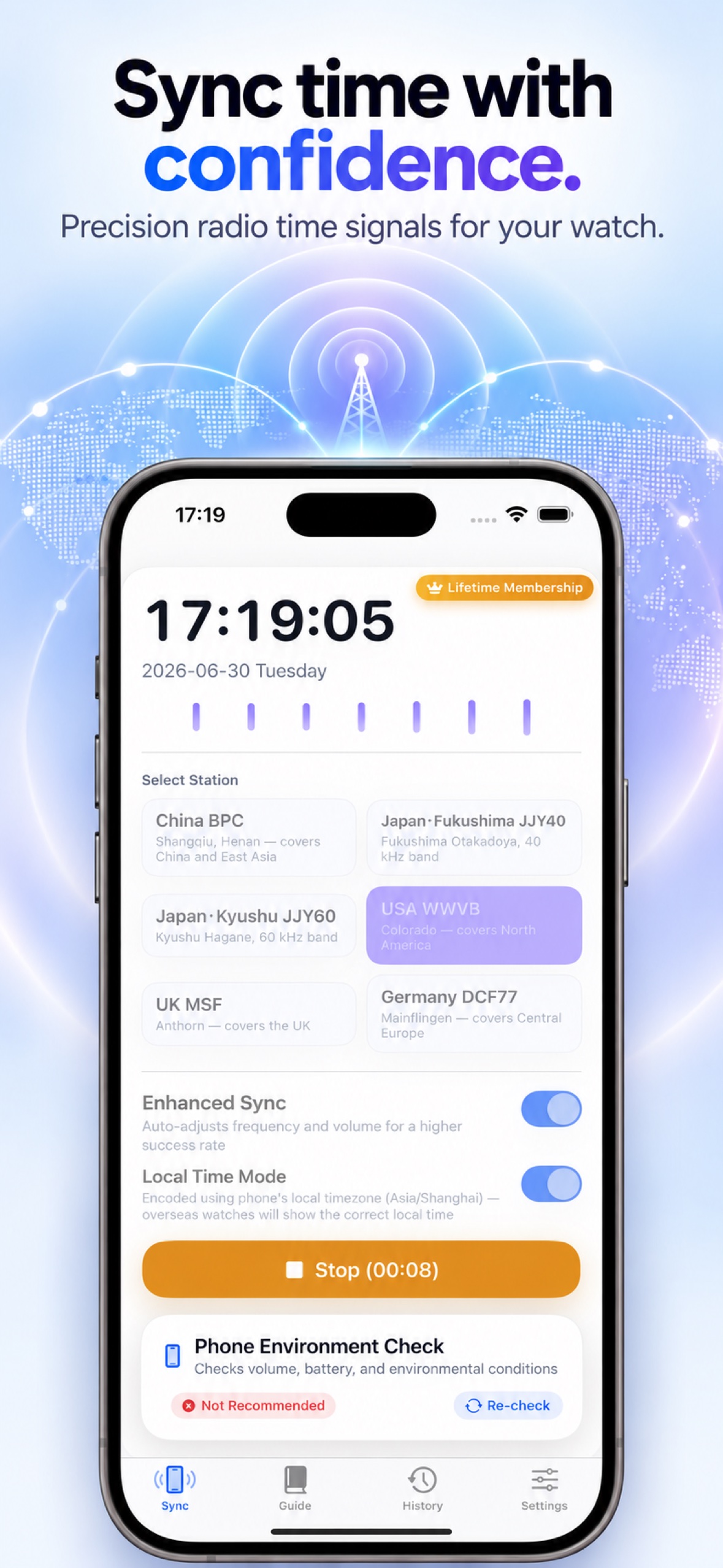
Choose from BPC, JJY40, JJY60, WWVB, MSF, and DCF77 station options across five radio time-signal systems. A watch must support the selected signal.
Use the standard profile or the premium Enhanced profile, which automatically adjusts playback frequency and volume.
Try experimental standard or high-frequency BPC variants, or Classic Compatibility playback for JJY. Experimental modes are not a guarantee of reception.
Use NTP-calibrated time, with cached network time and device time as fallbacks, or choose the device clock directly.
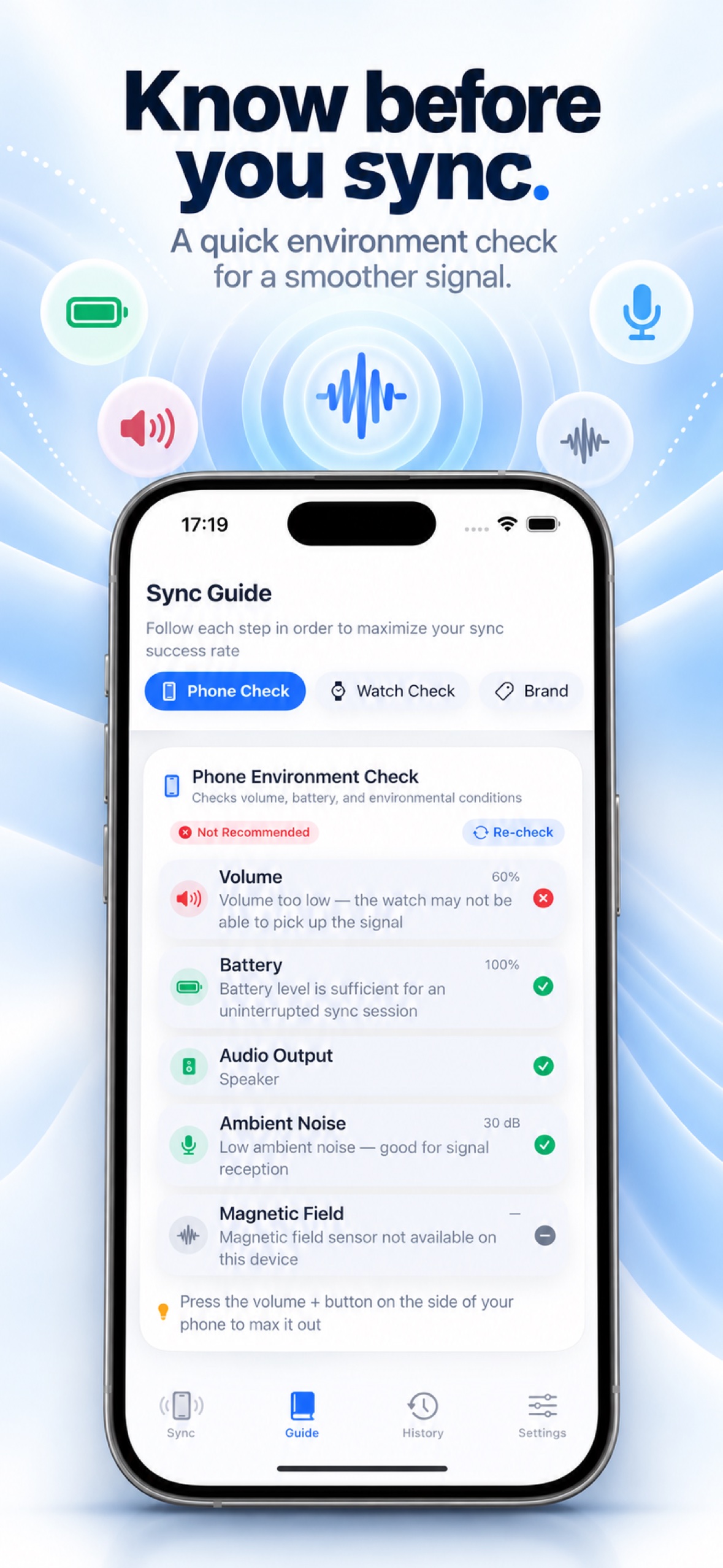
Review phone volume, battery level, ambient noise, and magnetic-field readings before an attempt.
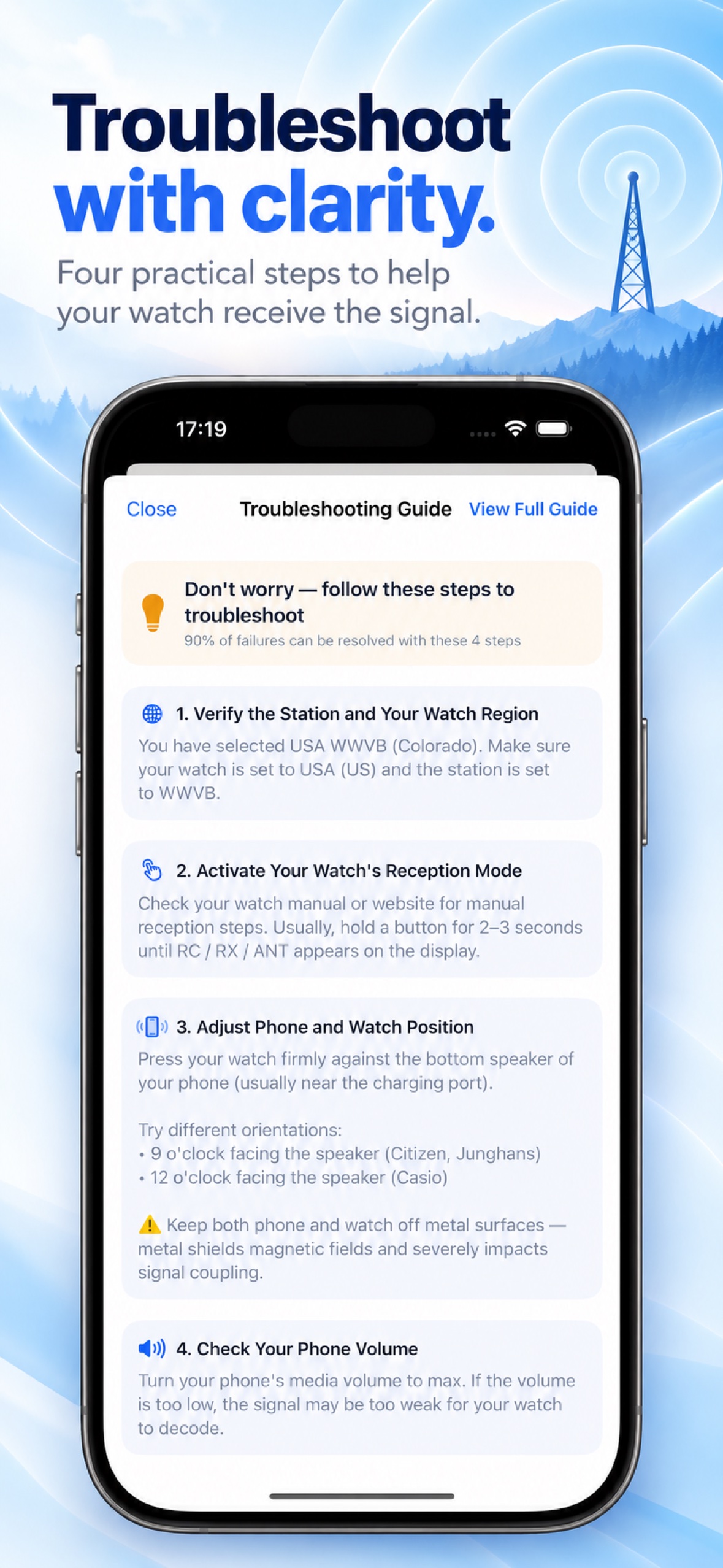
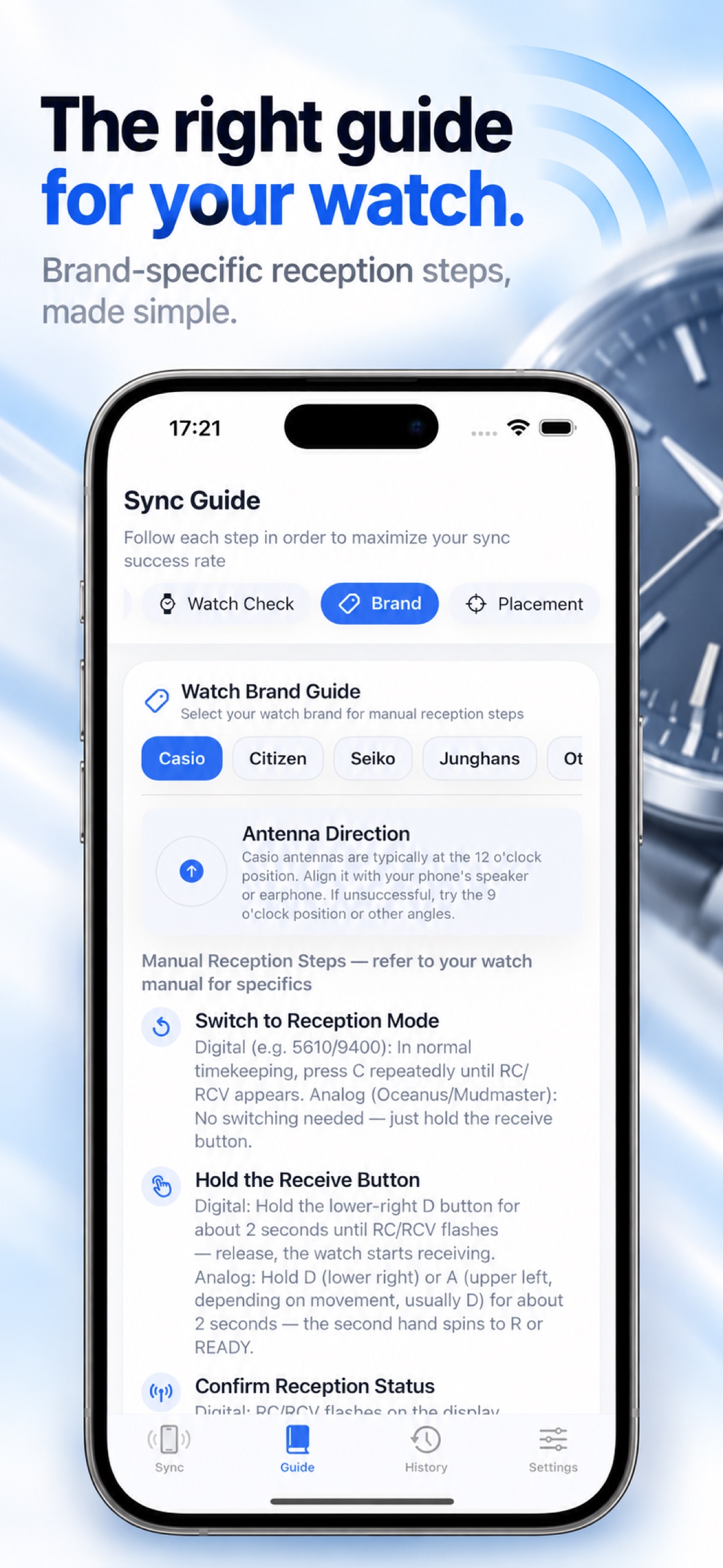
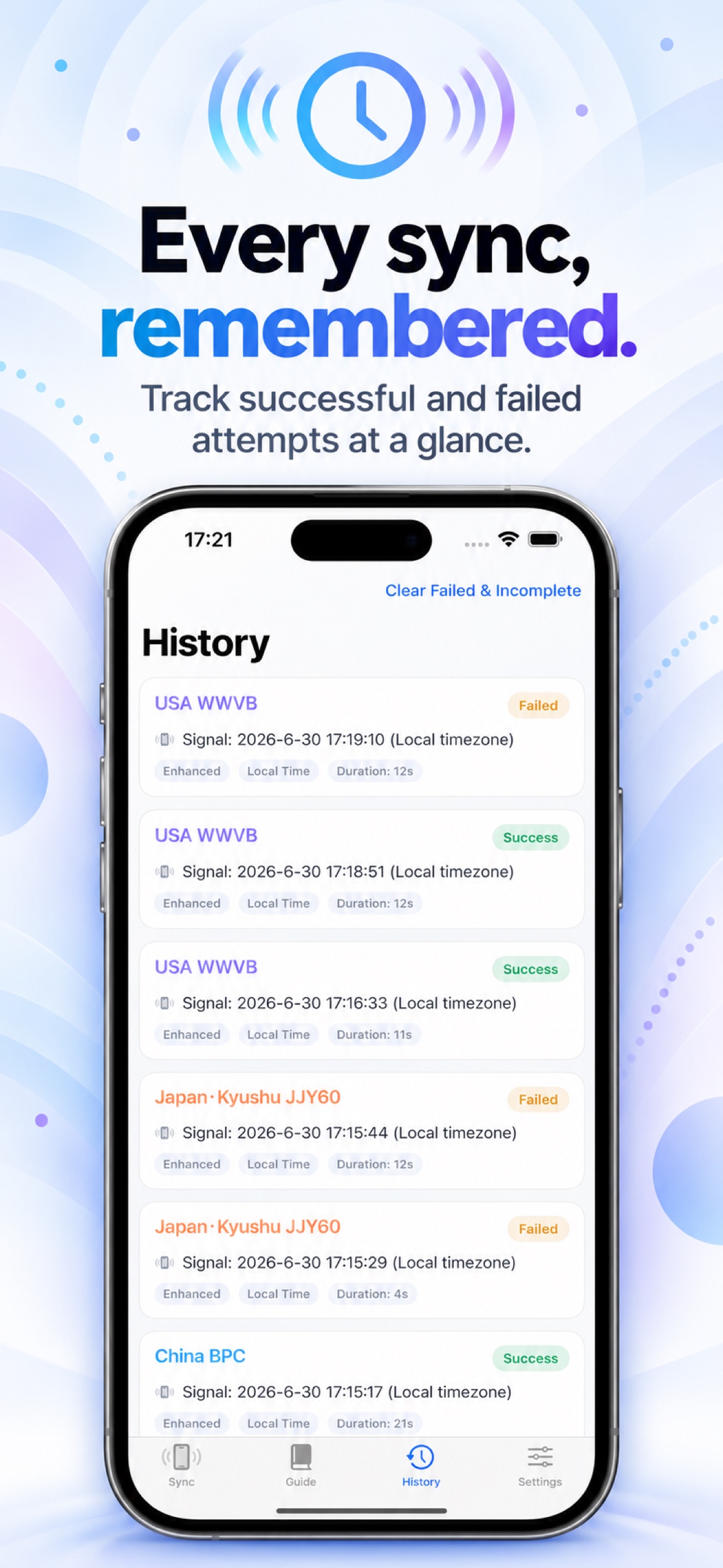
Follow phone, watch, brand, and placement guidance, then review saved sync-attempt history.
Playback tuning adapts to the detected built-in speaker, wired audio, or Bluetooth route. Results vary by hardware.
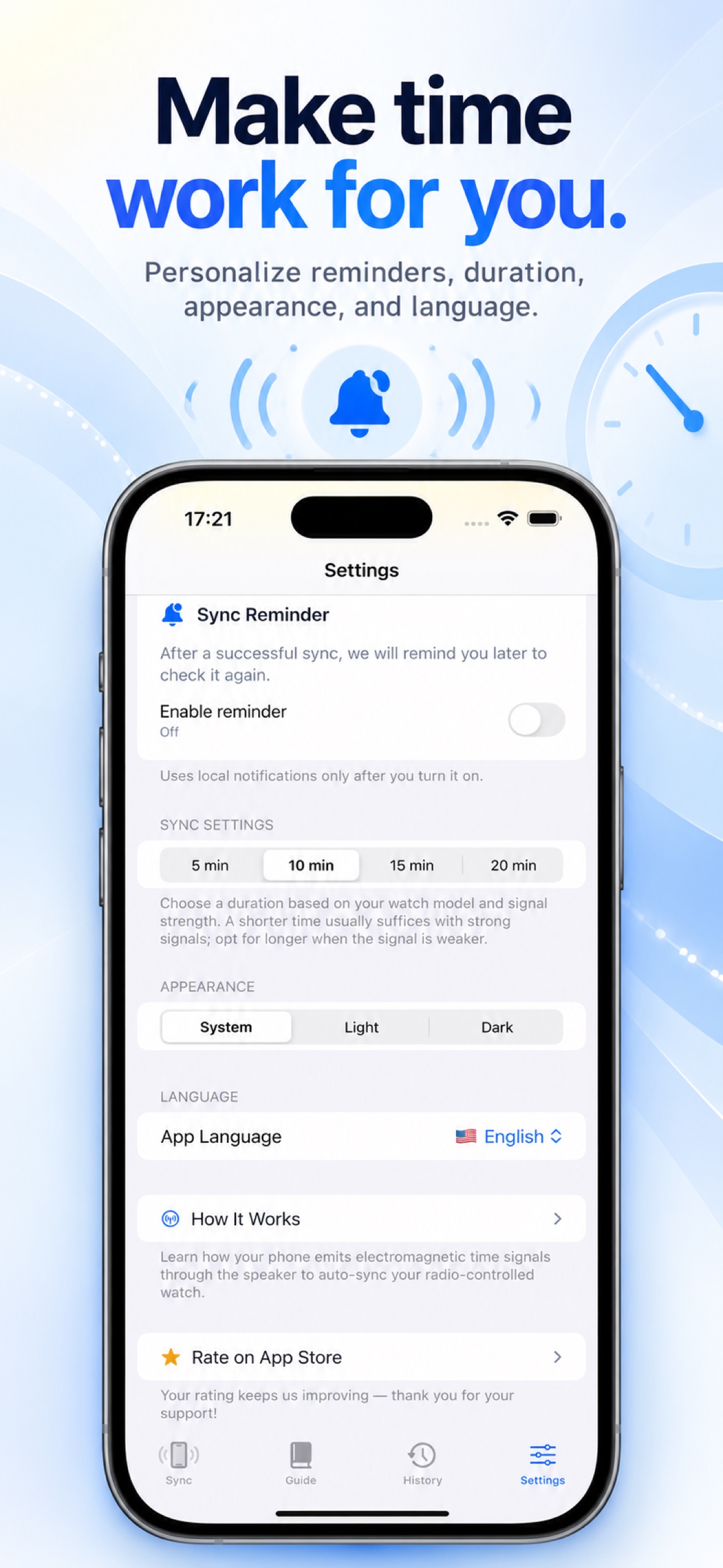
The app includes English, Japanese, Simplified Chinese, Traditional Chinese, German, Korean, and Arabic.
TIMEWAVE / PREVIEW
Explore the app screens, from signal selection and environment checks to watch guides and sync history.
TIMEWAVE / HOW IT WORKS
Find the exact model and the signal standards listed in its manual.
Use only a signal mode that the watch supports.
Follow the manufacturer’s instructions for your model.
Wait for the attempt to finish, then verify the watch’s own reception indicator and time.
TIMEWAVE
Check the current App Store listing for device and system requirements.